Add page headers and footers
This recipe puts repeating content into the page margins: simple page numbers and logos via CSS margin boxes, and a rich multi-column footer via CSS running elements. Both techniques work from plain CSS, no Lua required.
Variant A: margin boxes for page numbers and logos
The @page rule accepts margin boxes such as @top-center or @bottom-right. Their content property mixes literal strings, counters, and images:
@page {
    size: a4;
    margin: 2cm;

    @top-right {
        content: url("logo.pdf");
    }

    @bottom-center {
        content: "Page " counter(page) " of " counter(pages);
        font-size: 9pt;
        color: #666;
    }
}
counter(page) is the current page number, counter(pages) the total count. The total is a forward reference, so glu resolves it through its automatic multi-pass loop: the first pass renders 0, the second pass the real value. Nothing needs to be configured.
Images passed via url() are scaled proportionally to the margin box height and aligned according to the box position.
To treat the first page differently (no logo on a letterhead page, for example), override the box in @page :first:
@page :first {
    @top-right {
        content: "";
    }
}
Available boxes: top-left-corner, top-left, top-center, top-right, top-right-corner, and the same five along the bottom edge.
Variant B: running elements for rich footers
Margin boxes are great for short strings, but a real footer often carries several columns of company data. For that, write the footer as ordinary HTML in the document and move it into the margin with CSS GCPM running elements:
<style>
@page {
    size: a4;
    margin: 20mm 20mm 30mm 20mm;
    @bottom-center { content: element(pagefooter); }
}
.pagefooter { position: running(pagefooter); font-size: 8pt; }
.pagefooter table {
    width: 100%;
    border-collapse: collapse;
    border-top: 0.5pt solid #333;
}
.pagefooter td { vertical-align: top; padding-top: 2mm; }
</style>

<footer class="pagefooter">
  <table>
    <tr>
      <td>Muster GmbH<br>Beispielstraße 12<br>12345 Musterstadt</td>
      <td>Bank: Sparkasse Muster<br>IBAN: DE12 3456 7890 1234 5678 90</td>
      <td>USt-ID: DE123456789<br>Amtsgericht Musterstadt<br>HRB 12345</td>
    </tr>
  </table>
</footer>
position: running(pagefooter) takes the <footer> out of the normal flow (it occupies no space at its source position) and registers it under the name pagefooter. content: element(pagefooter) then places the captured element into the bottom margin box on every page, re-formatted at the margin box width and keeping its own styles: the table, the rule line, the line breaks.
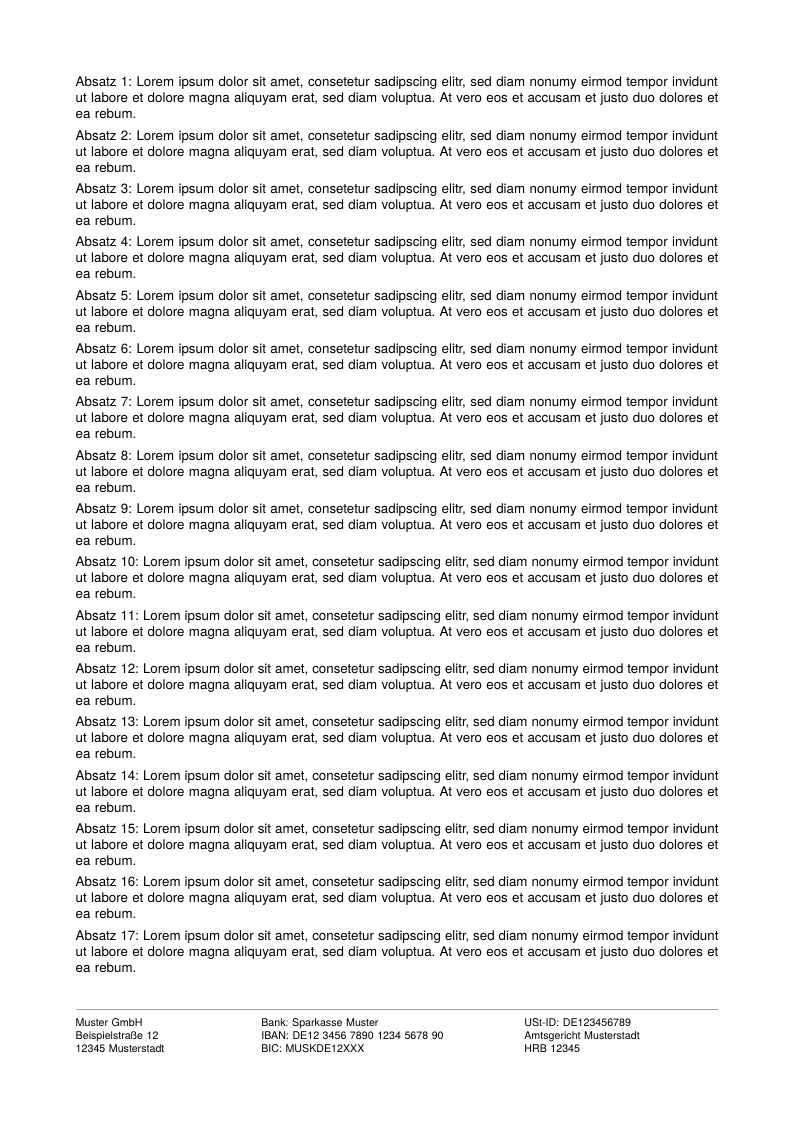
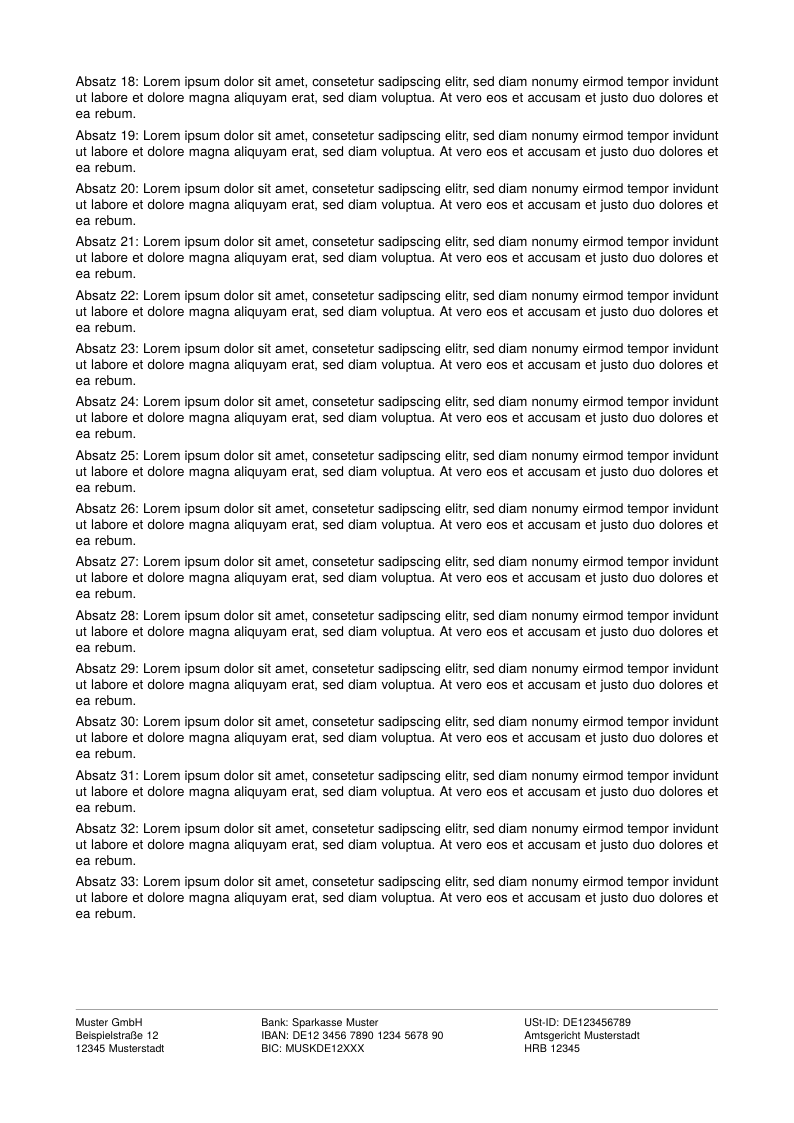
The footer is centered in the 30 mm bottom margin band on both pages, as CSS has it for the boxes above and below the page area; vertical-align: top or bottom on the margin box moves it to an edge. Note the second page: it is only half filled, yet the footer does not move up, because it lives in the page margin, not in the flow.
Full example: glu/html/running-footer
Run it
glu running-footer.htmlBoth variants also work for Markdown documents: put the CSS into a file referenced by the css: frontmatter key, and for variant B place the <footer> element as raw HTML at the top of the Markdown source.
Picking a variant
| Margin boxes | Running elements | |
|---|---|---|
| Content | Strings, counters, one image | Arbitrary HTML with its own styles |
| Source | Lives in the CSS | Lives in the document |
| Typical use | Page numbers, chapter logo | Company data block, contact columns |
The two combine freely: a @bottom-center running footer plus a @bottom-right page number is a common pairing.
Related
- Page margin boxes and counters in the Markdown mode reference
- Put a letterhead behind every page for full-page backgrounds instead of margin content
- Callbacks if you need page decorations beyond what CSS offers (watermarks, frames, computed content)