Set a scientific paper
A journal article is a test for any typesetting system: two columns under a title block, numbered sections, equations, figures and tables, footnotes, cross references and a list of references. This recipe sets one from a single Markdown file and a stylesheet.
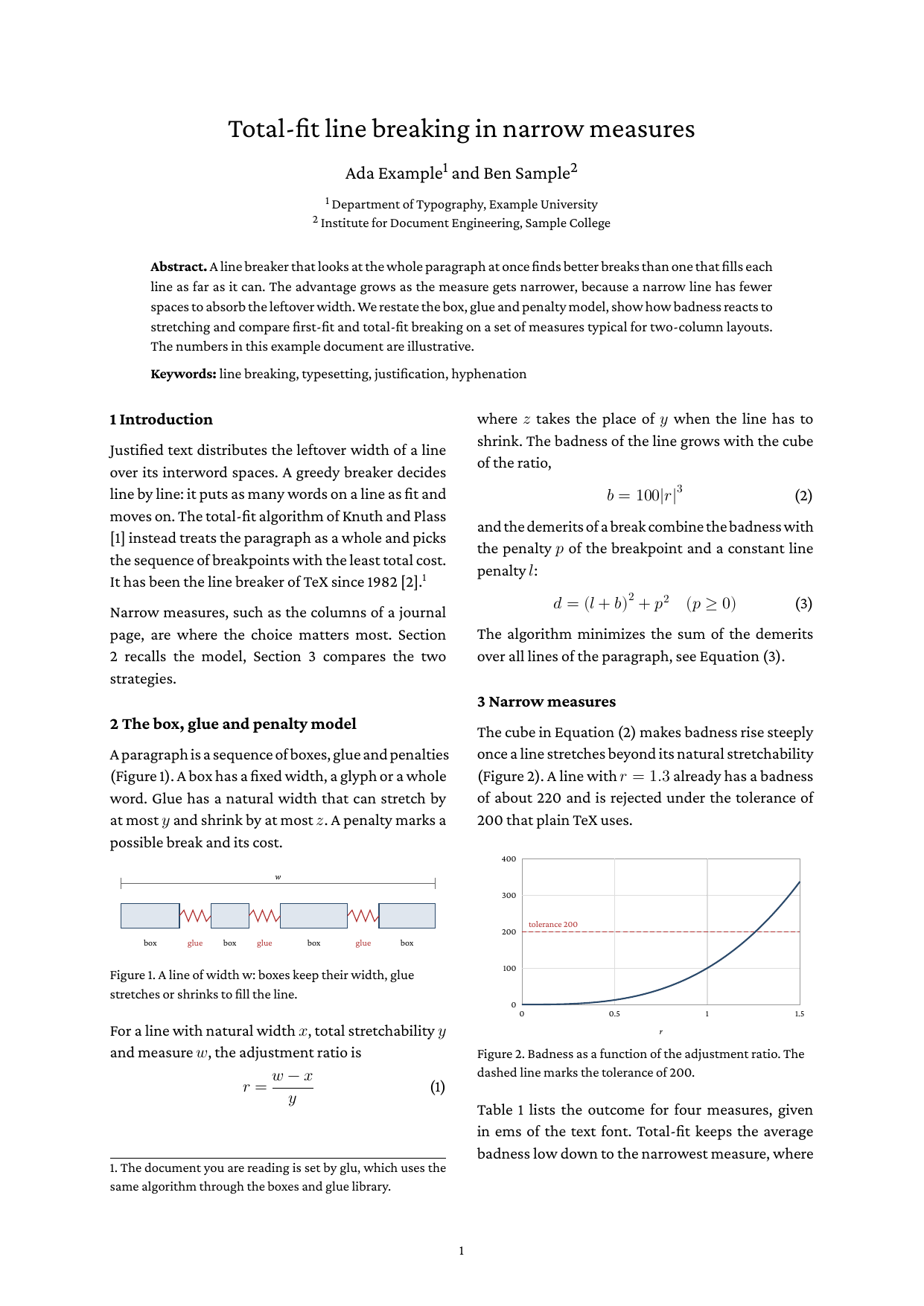
Full example: glu/markdown/scientific-paper
Step 1: two columns under a title block
The title, the authors and the abstract come first. Everything after them goes into a fenced div:
# Total-fit line breaking in narrow measures

::: {.authors}
Ada Example^1^ and Ben Sample^2^
:::

::: {.abstract}
**Abstract.** A line breaker that looks at the whole paragraph …
:::

::: {.paper-body}

## Introduction {#sec-intro}

…

:::.paper-body {
column-count: 2;
column-gap: 7mm;
}
.paper-body > h2:first-child { margin-top: 0; }The affiliation marks use pandoc’s superscript syntax, switched on with
extensions: superscript in the frontmatter. The div is a direct child
of the body, so its content flows into two
columns, and its siblings, the title block and the abstract, span both
columns. The columns of the last page are balanced. The rule for the
first heading lines it up with the top of the second column. See
Columns for the details.
Step 2: numbered sections, figures and tables
The numbers are CSS counters, reset on the body:
body { counter-reset: section figure table equation; }

h2 { counter-increment: section; }
h2::before { content: counter(section) "  "; }
h2.unnumbered { counter-increment: none; }
h2.unnumbered::before { content: none; }

figure { counter-increment: figure; }
figcaption::before { content: "Figure " counter(figure) ". "; }
figure img { max-width: 100%; }
A figure is plain HTML in the Markdown. max-width: 100% scales the
SVG plots down to the width of a column:
<figure id="fig-badness">
<img src="badness.svg" alt="Plot of badness against the adjustment ratio …">
<figcaption>Badness as a function of the adjustment ratio.</figcaption>
</figure>
The table is a Markdown pipe table. A paragraph starting with Table:
next to it becomes its <caption>, and an attribute line directly
below the table gives it the id for the cross reference (see
Table captions):
Table: Average badness b and loose lines …

| Measure    | FF b | TF b | FF loose | TF loose |
|------------|------|------|----------|----------|
| 35 em | 18   | 9    | 1        | 0        |
…
{#tab-results}
The table counts itself, so its caption and a cross reference to its id see the same number. The caption stands above the table and keeps with it at a break:
table { counter-increment: table; }
caption::before { content: "Table " counter(table) ". "; }
Step 3: numbered equations
With math: true in the frontmatter, formulas are TeX between dollars.
A numbered display equation is a paragraph with two tab stops: the
formula is centered on the first, the number from ::after ends at the
second, the right edge of the column.
	$\displaystyle r = \frac{w - x}{y}$	
{#eq-ratio .equation}The formula is inline math in a paragraph, so \displaystyle sets the
fraction at full size, as in a display formula; \quad and \, add
space as in TeX.
p.equation {
  -bag-tab-stops: 50% center, 100% end;
  counter-increment: equation;
}
p.equation::after { content: "(" counter(equation) ")"; }
Step 4: cross references
A reference is an empty link to the id of a section, figure, table or
equation. Its text comes from target-counter(), which reads the
counter at the target, so the numbers follow when the document changes:
The cube in <a class="eq" href="#eq-badness"></a> makes badness rise
steeply (<a class="fig" href="#fig-badness"></a>).a.sec::before { content: "Section " target-counter(attr(href), section); }
a.fig::before { content: "Figure " target-counter(attr(href), figure); }
a.tab::before { content: "Table " target-counter(attr(href), table); }
a.eq::before { content: "Equation (" target-counter(attr(href), equation) ")"; }glu runs the document again until the numbers are stable, see Generate a table of contents.
Step 5: footnotes and references
A Markdown footnote is set at the foot of the column that holds its call:
It has been the line breaker of TeX since 1982 [2].[^impl]

[^impl]: The document you are reading is set by glu, which uses the
same algorithm through the boxes and glue library.
The references are an ordered list with an id per entry, and a
citation links to it. The markers come from ::marker:
ol.references { list-style: none; counter-reset: ref; }
ol.references li { counter-increment: ref; }
ol.references li::marker { content: "[" counter(ref) "]"; }
Step 6: a running head
The short title repeats at the top of every page but the first. It is a running element, placed in the top margin box:
@page {
  @top-center { content: element(runningtitle); vertical-align: bottom; padding-bottom: 6mm; }
  @bottom-center { content: counter(page); font-size: 9pt; }
}
@page :first {
  @top-center { content: none; }
}
.running-title { position: running(runningtitle); font-size: 9pt; font-style: italic; }
Step 7: tagged as PDF/UA-2
One line in the frontmatter makes the paper an accessible PDF:
format: PDF/UA-2The headings, paragraphs, lists, table and formulas are tagged, each
figure is a section that holds the image with its alt text and the
caption, and the cross references point to the structure elements of
their targets. veraPDF reports the example compliant. See Accessible
report for the details of PDF/UA in
glu.